
Search Cloud & Network
Search All Files in One Place
Instantly find files across your devices, network drives, and cloud storage with real-time updates, making shared folders and team projects easier to manage.
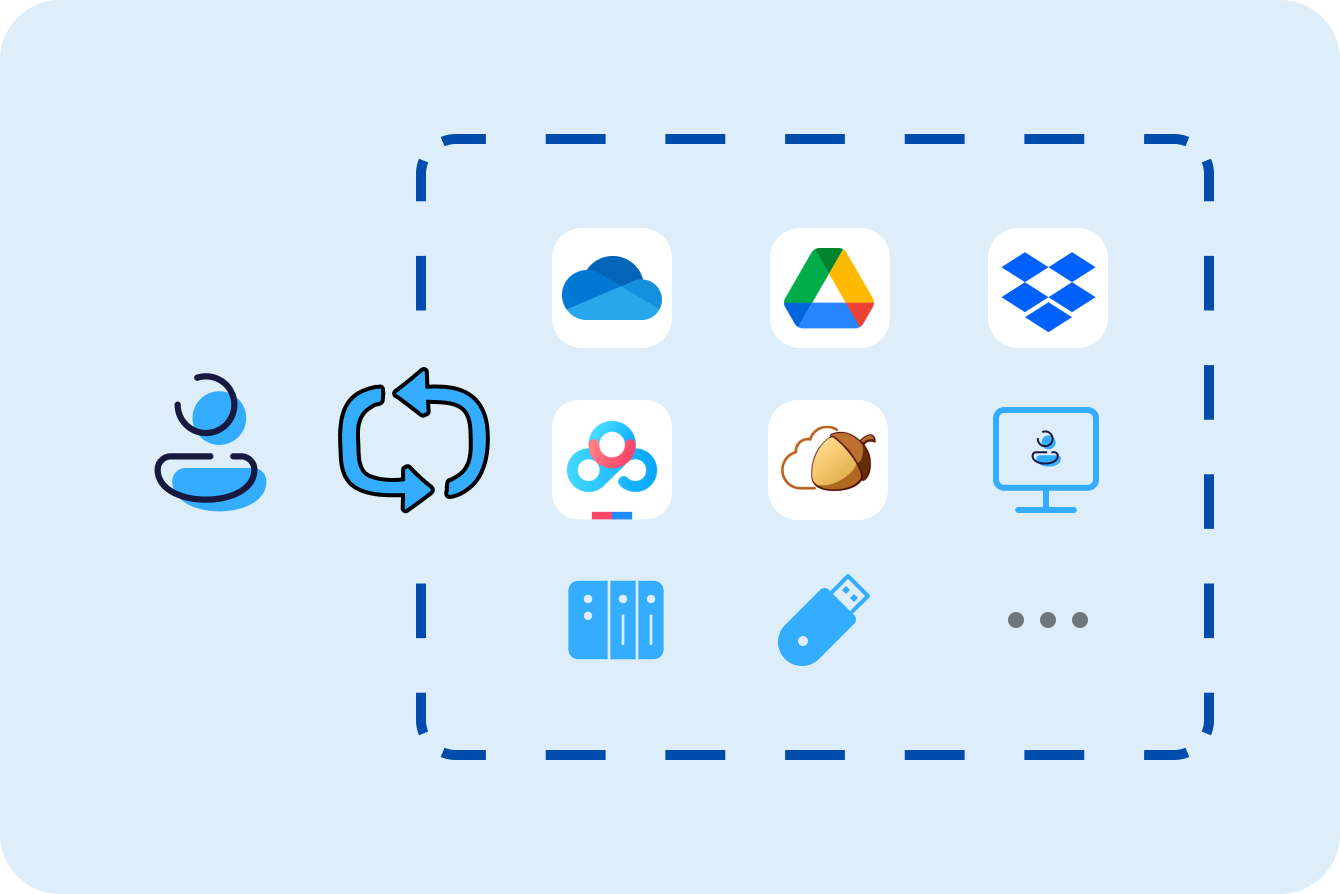
Supported Cloud & Network Drives
Network Drives – Find It, Don't Fetch It
External Storage – Plug. Search. Done.
Perfect for Personal Use
Find All Your Files Instantly.
Whether on your PC, the cloud, or a NAS, lightning-fast search keeps everything within reach.
Built for Teams
Search Shared Drives Without Delays.
Real-time updating keeps your team working smoothly and efficiently.

Real-Time Updating
Stay in Sync, Collaborate Without Delays.
With real-time updates, your team instantly finds what they need and collaborates without delays.

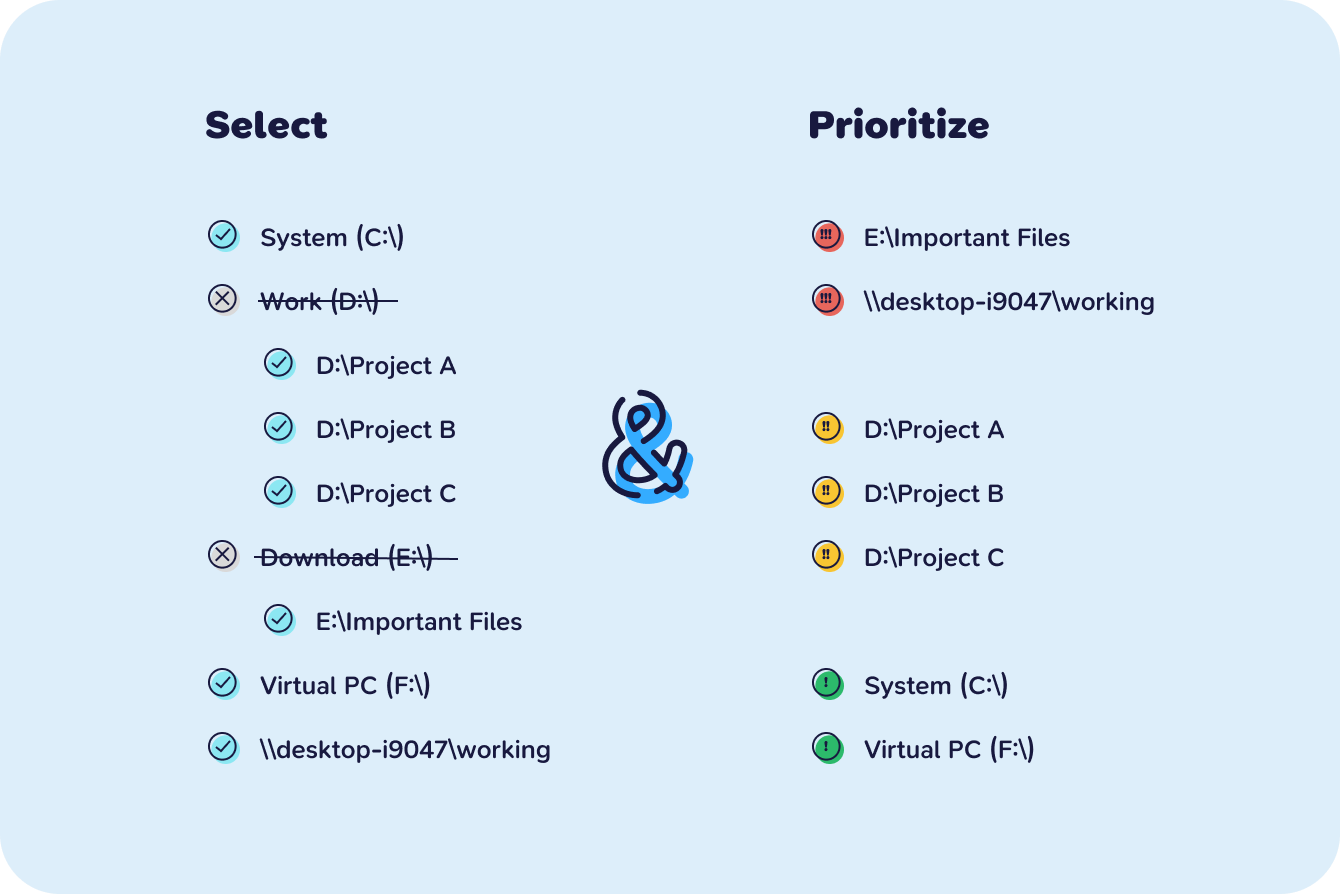
Fully Customizable Indexing
Prioritize What Matters.
Choose which folders to index for faster, smarter searches.
Want even more power with Listary Pro?
Discover Listary ProFAQ
How to add a folder to the index of Listary?
In Listary's Options -> File Search -> Index, click “Add a network drive or local folder” and select the local path or network drive that needs to be indexed to add the folder to the index.
Is there a limit to the number of files indexed?
There is no explicit limit. Listary's indexing feature can support a large number of files, but if there are too many files, it may take some time to initially index.
More questions? Visit our Help site →